300 and Beyond · BlockBase+ · eQuilt Universe · Free Download · Quilts · SAHRR 2026 · This-and-That · Tools of the Trade

This and That • February 2026

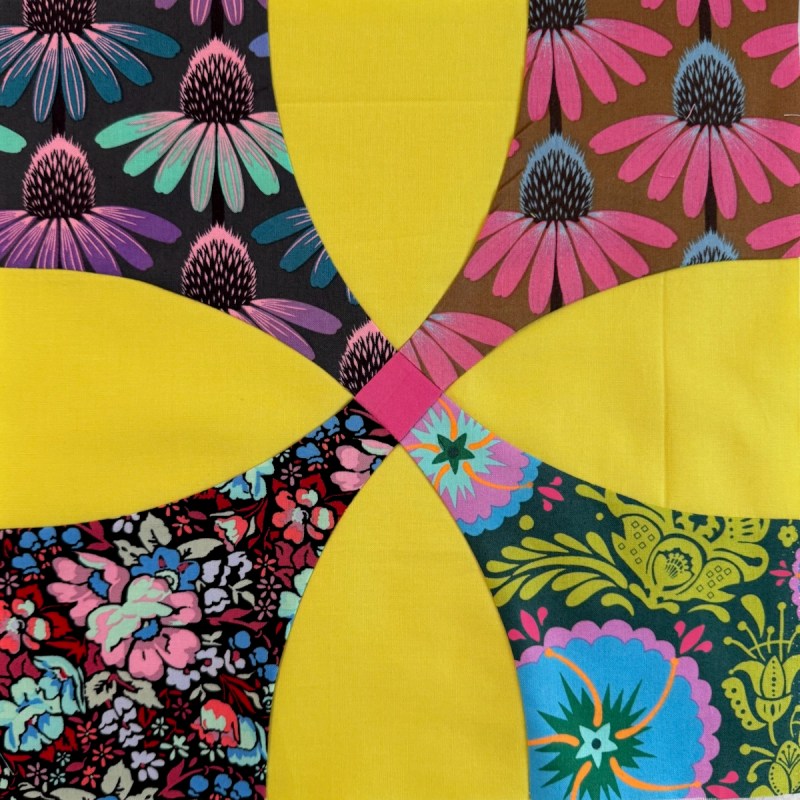
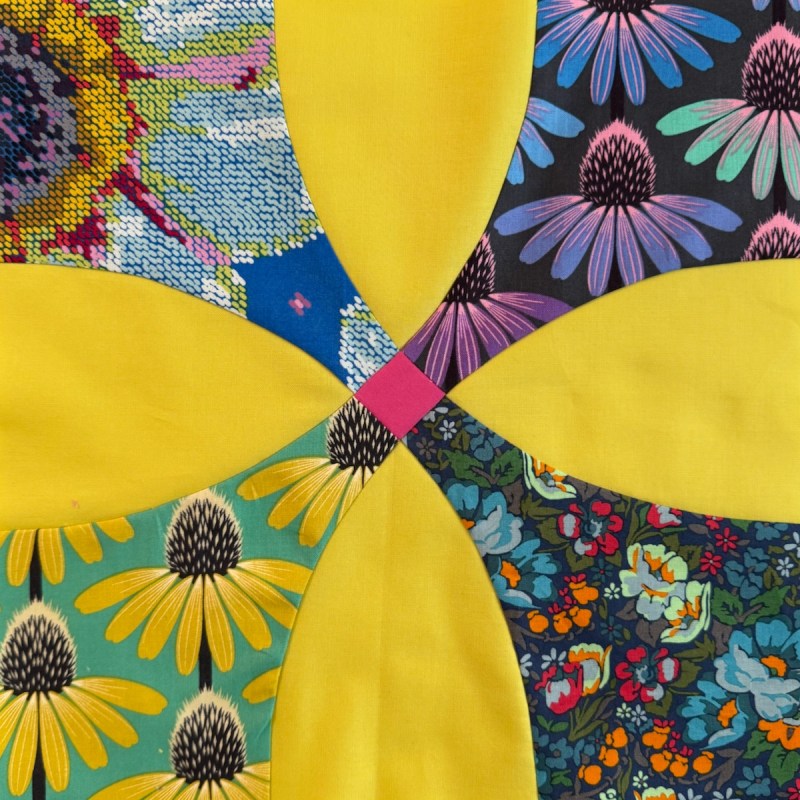
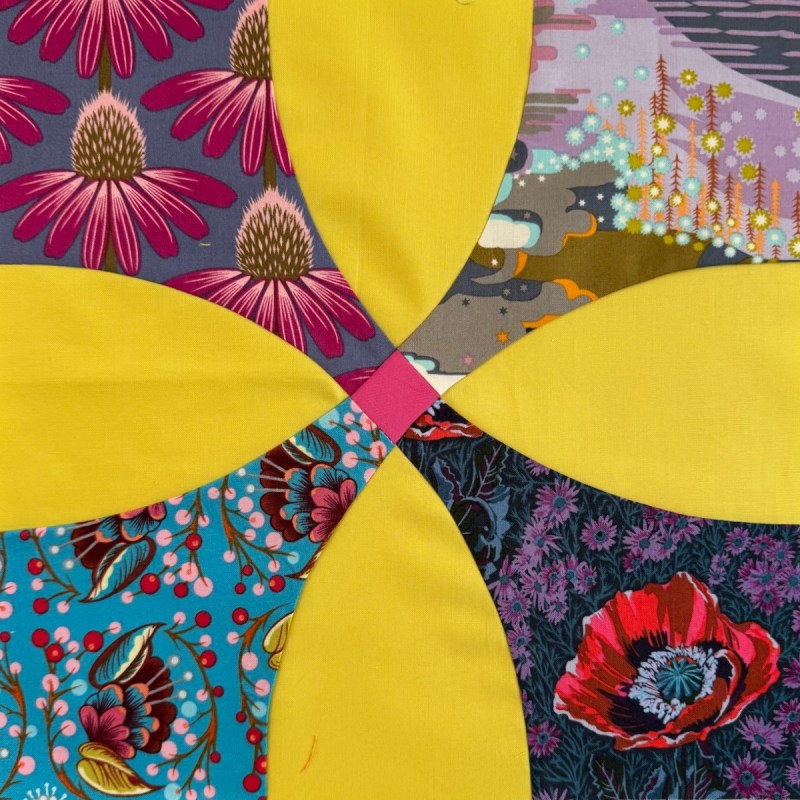
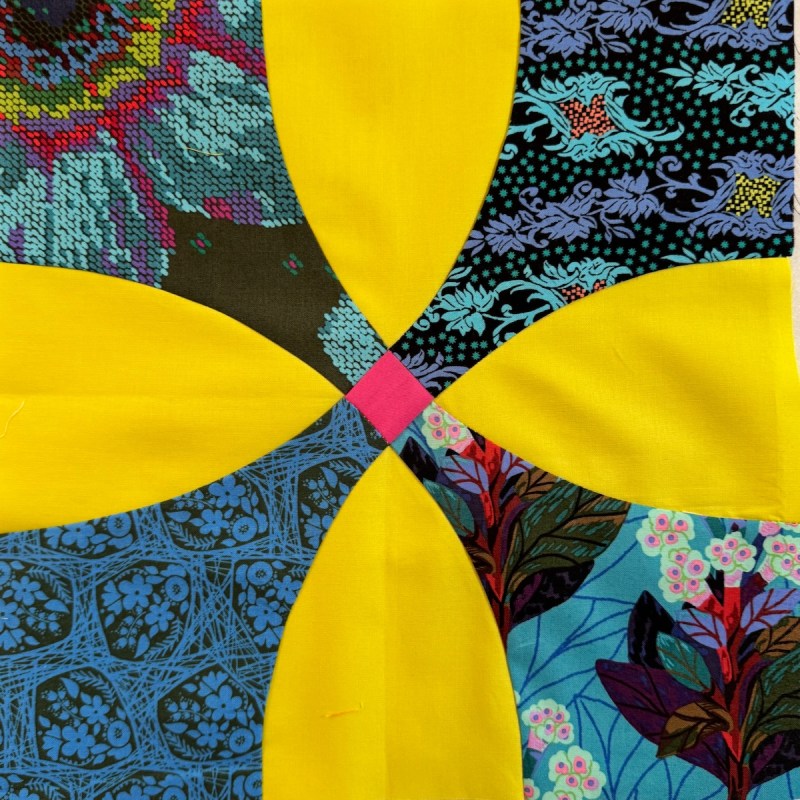
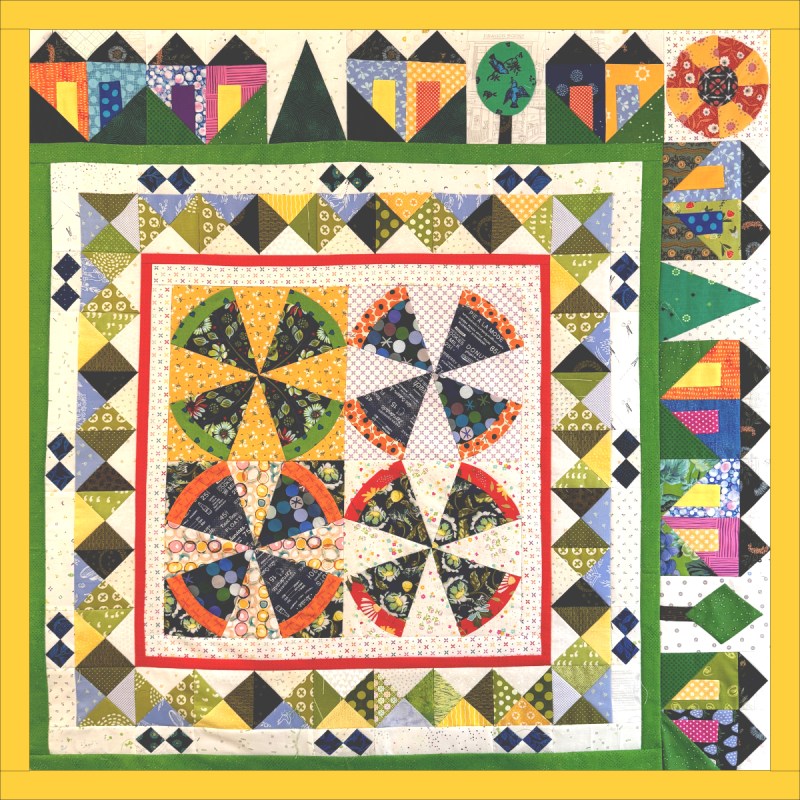
Update on the SAHRR for 2026: The theme for Round Three was “Animal Kingdom,” so I spent a long time scrolling through my BlockBase+ software (really, it’s Barbara Brackman’s Encyclopedia of Pieced Quilt Patterns in digital form–you should have this). I looked at all the names with something from the animal kingdom and found the one in the upper right corner: Bird’s Eye View.

After all that I sewed for last week’s double-double Round Two, I opted for SAHRR Lite. The yellow border is a sketch — to see if I like it. (I do, but I’m waiting to see what the Round Four prompt is.)

Here’s a free handout to make a 5 1/2″ finished Bird’s Eye View block, if you don’t have BlockBase+.

(I don’t have an illustration for you, but if you click on the title: Handout Round 3 block, it should pop up so you can see it. Then click the Download button to download it for free.)
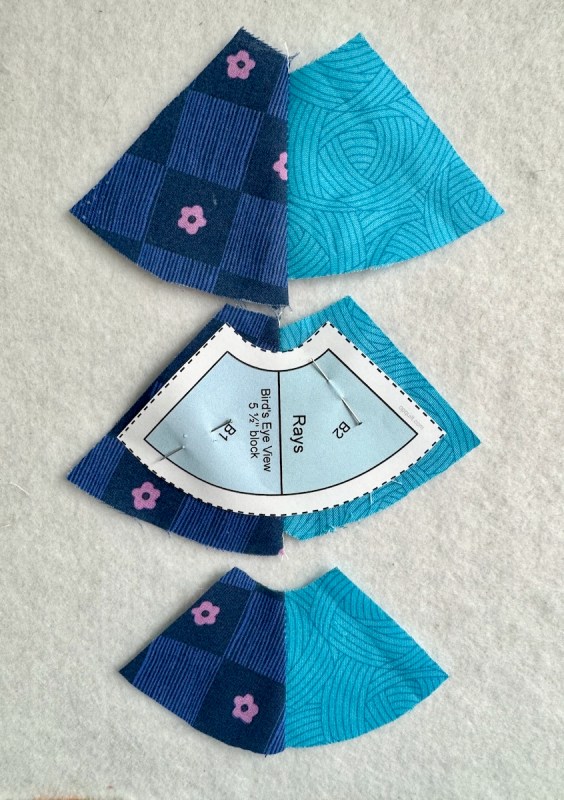
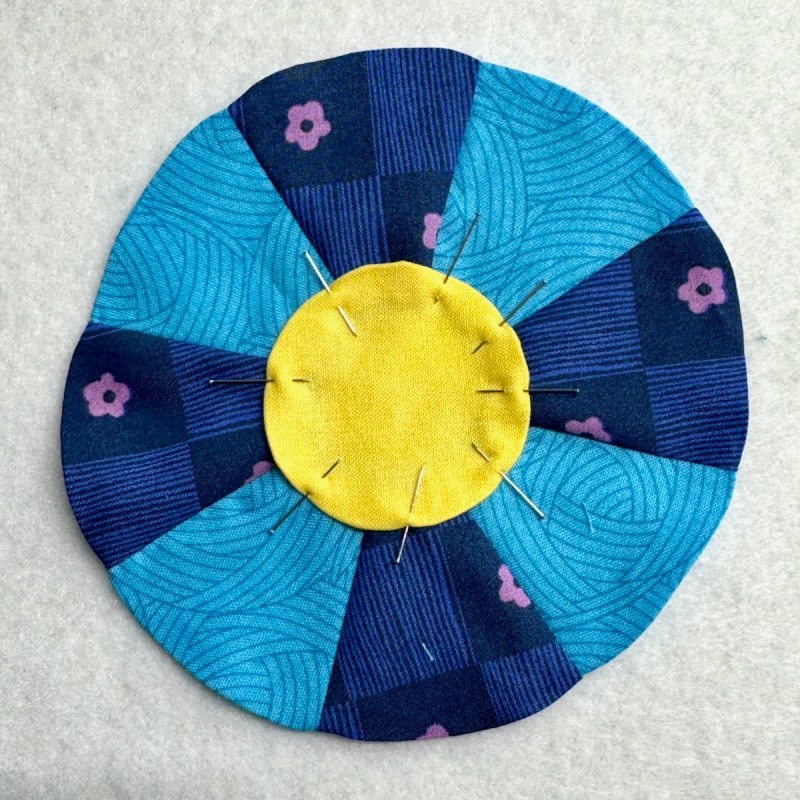
I rough-cut the rays, then seamed them together. Placing the center line on the seamline, I pinned the pattern down and cut around it. I did use a giant plastic circle to help coax that outer seam allowance into place, pressing the seam allowances over it. I hand-appliquéd the circle. And yes, I didn’t end up using this version in the quilt, but instead made another.
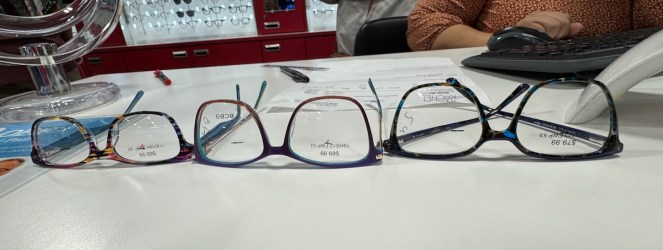
Since this is a This and That Post, here’s the first thing for February: glasses. I’m at the three-glasses stage: one for regular walking-around-life, one for the computer (middle), and a new pair of sunglasses (they’ll come with tinted lenses). I only get the sunglasses every few prescription changes, but definitely the clock is not running backwards for my eyes. I had a new optometrist for this exam, with a brand-new machine, and I was totally impressed with her enthusiasm for All Things Eyes.
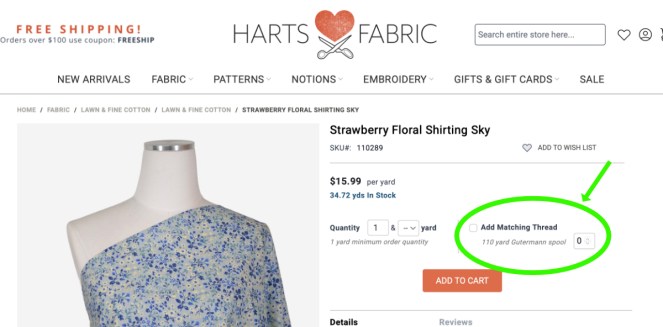
I updated my Mercantile Links at the bottom of my blog, and included Harts Fabric. They have a super selection of lots of clothing patterns (including Merchant and Mills) and this new feature if you buy fabric: they’ll pick your matching thread. Whoopee! for those of who have no decent fabric stores now that JoAnn’s is gone.
Because of SAHRR, I’m meeting some new bloggers and Ms P Designs is one. I really liked their guidelines for their PHD. You’ll have to read it to know what I mean. I participated in this kind of thing about six years ago and it really helped me clean out the backlog of projects I’d accumulated. I know there are other Linky Parties out there as well. If you are overwhelmed with Projects Half Done, join one. Because of this post, I dusted off my 2026 list:
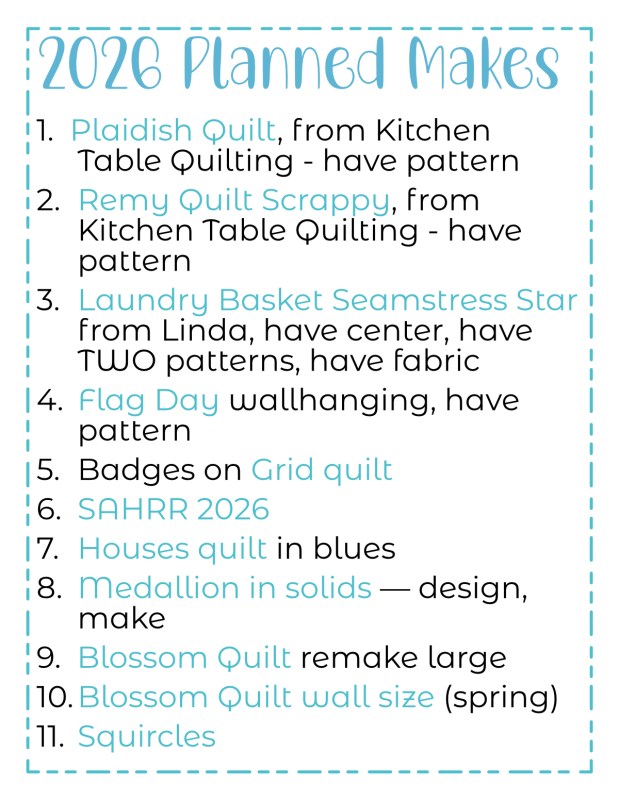
I picked some that were new, some that are in process, and some that I need to design. One quilt is on the list because this year is the 250th anniversary of our country, and I wanted to think about how to celebrate it. Obviously with some new stamps…
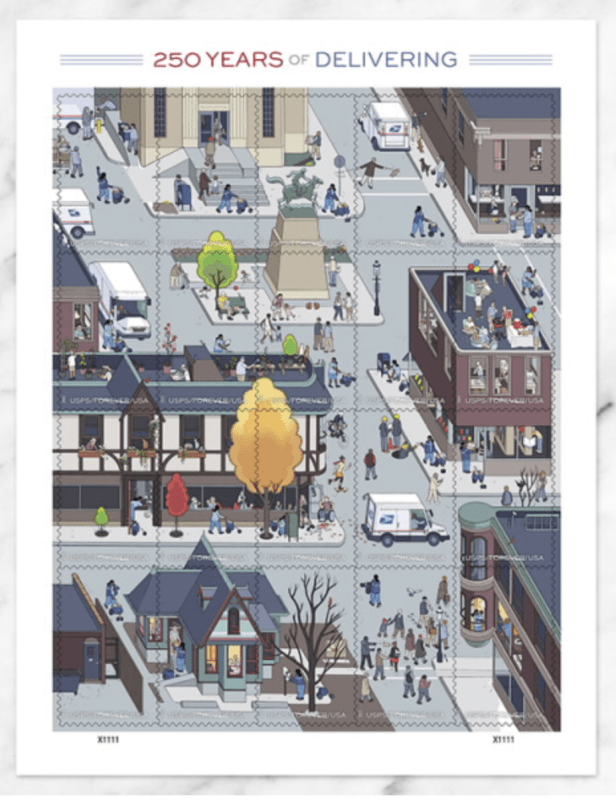
…as I can certainly celebrate 250 years of the Post Office! Number 4 on my list, above, is about making a red, white, and blue flag day quilt and celebrating those things about my country that I love. I’ll be picking and choosing, and writing about them until July 2026. Here’s another set of beautiful stamps, complete with some cloth:
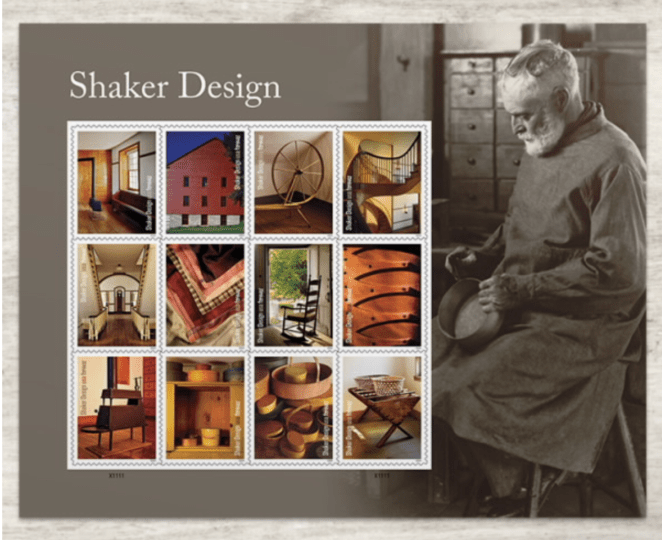
(You already have read about my affinity for stamps. When I travel overseas, I also buy stamps in whatever country I’m in!)
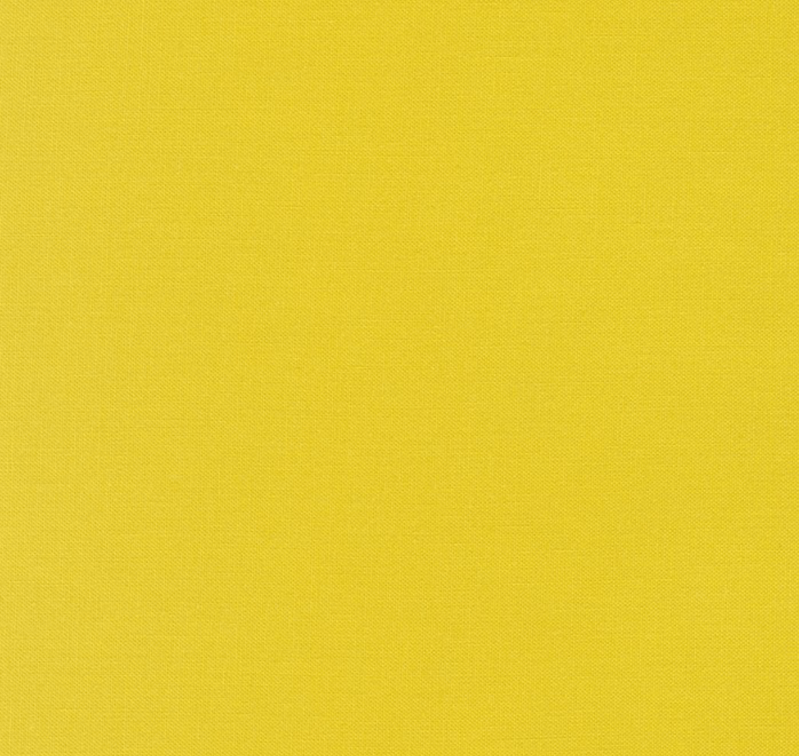
This stumped me this week. I used this (Kona Wasabi) in an earlier completed quilt and I was trying to recreate that quilt. I didn’t have any of that yellowy-green from Kona as I’ve switched to Painter’s Palette Solids.
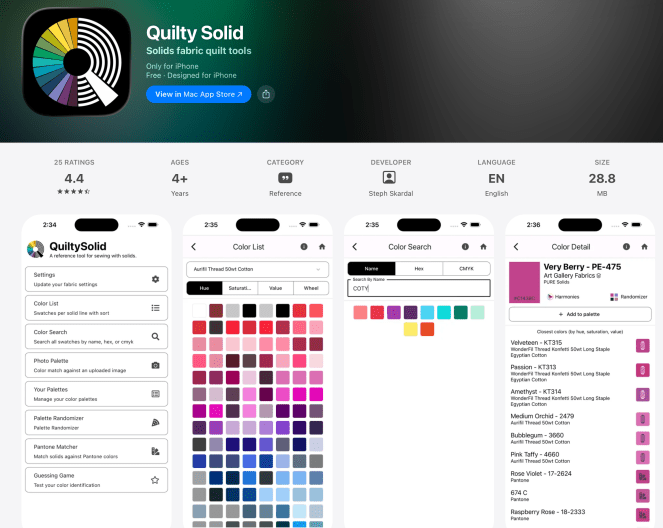
Steph Skardahl, a Very Talented Quilter, put this app together and it’s a-may-zing.

So the original query was if Kona Wasabi was similar to Lemon Ice in Paintbrush Studios’ Painter’s Palette Solids:
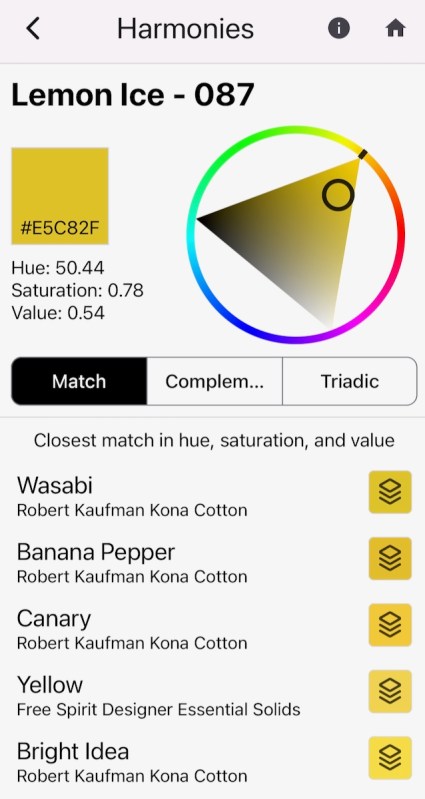
I was able to compare it in her “Harmonies” section, which gives readouts for Hue, Saturation and Value. Thank you Steph for this really helpful app.
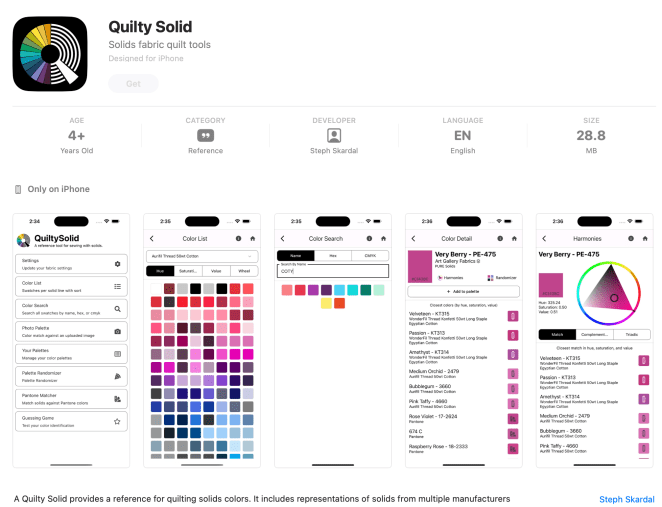
I have an iPhone (Apple) and this is what the landing page looks like in the App Store. So happy to have this and it’s free!
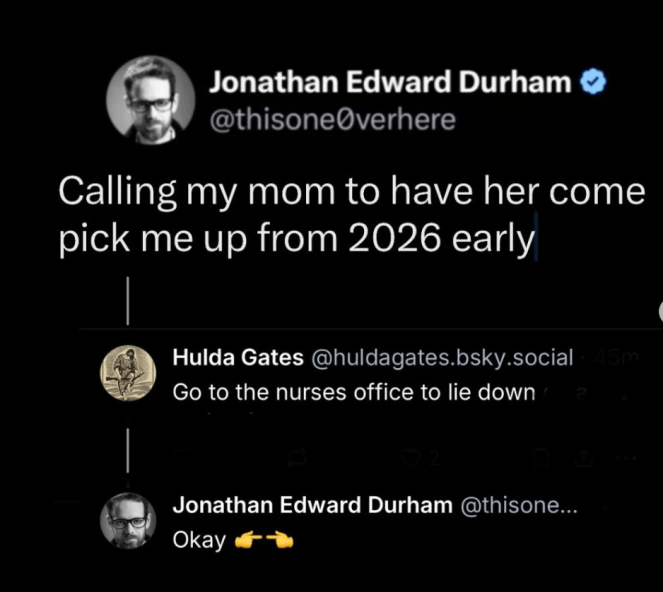
He always makes me laugh.

Another clever crocheter is here. Go read it for the comments. She asks the people responding to speak about current events as if they were talking about crocheting. I think if we all adopted this language we might not be so grumpy with each other so much.
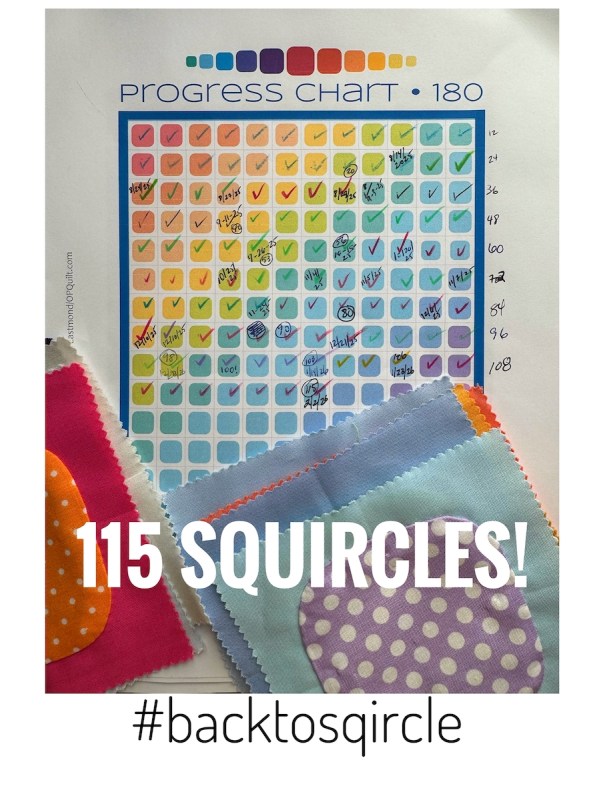
A little HOORAY for this milestone, and yes, it is already on my 2026 Planned Makes list. I actually have made one more, but I don’t count them until I cut out the back and put it in the box. The original post, with free handout and pattern is here.

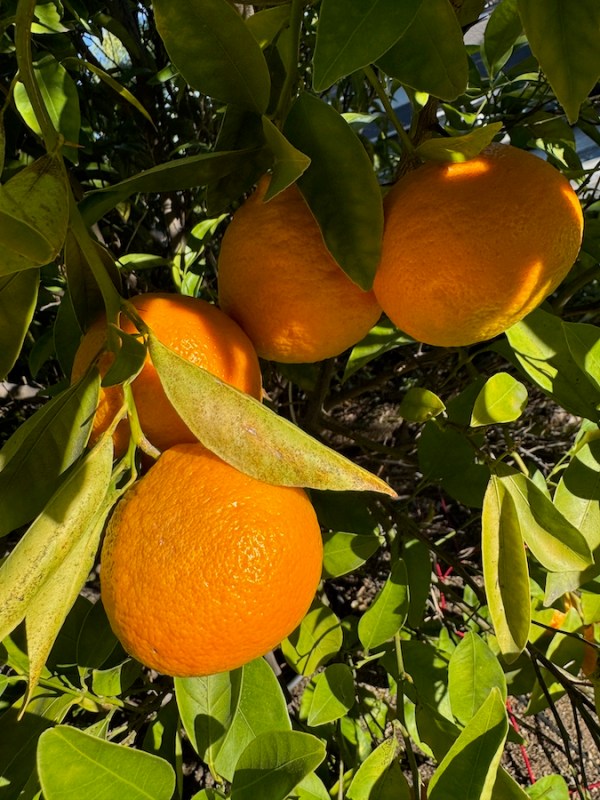
We are now eating the front yard’s mandarin oranges! It’s so hard to wait every year until February, but it is now, and we are enjoying them.
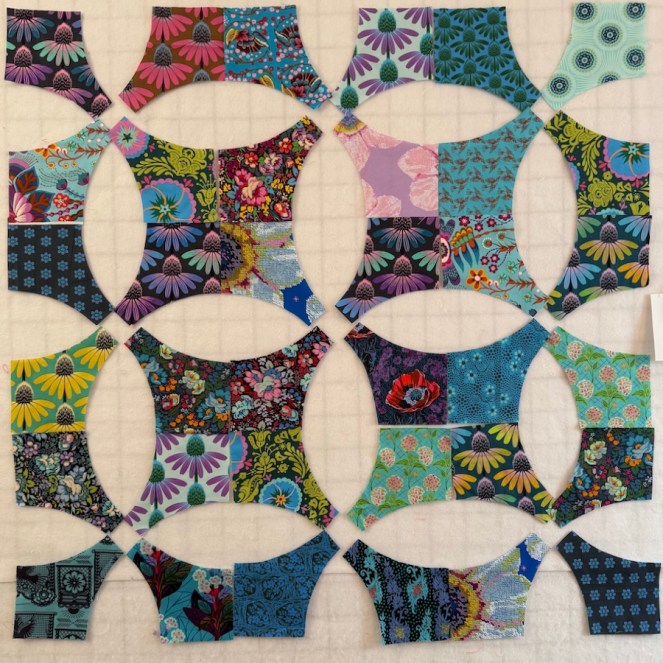
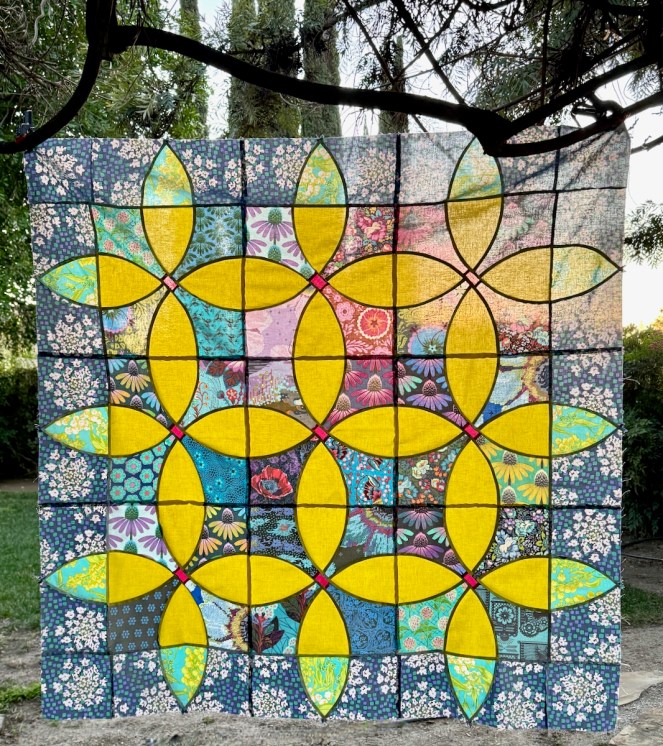
So why was I on the hunt for something similar to the Wasabi solid? I gave away one of my favorite quilts and was happy to do so, but I missed it. What made it special was the fabric for the borders, an out-of-print Anna Maria Horner (now known as Anna Maria). Gone. But as I was strolling the vendor aisles at Road to California, oh-my-goodness! There was a whole bolt of that fabric!
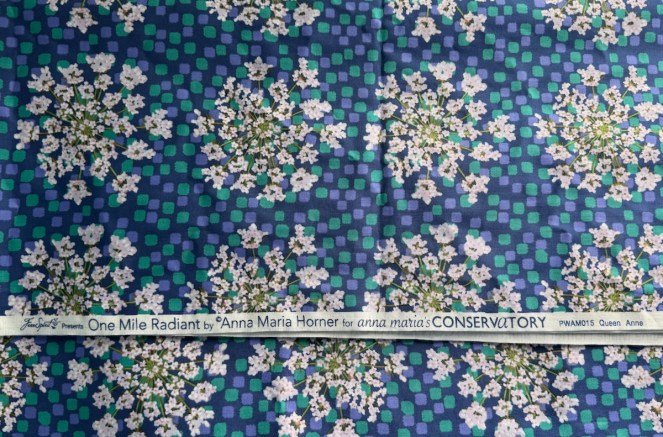
It was karma, as I already had a stack of AMH/AM at home, so I was good to go. (I will post about Road in the next couple of weeks, never fear.) And now, with a bunch of petals of Lemon Ice cut, within a couple of days, I was cooking:
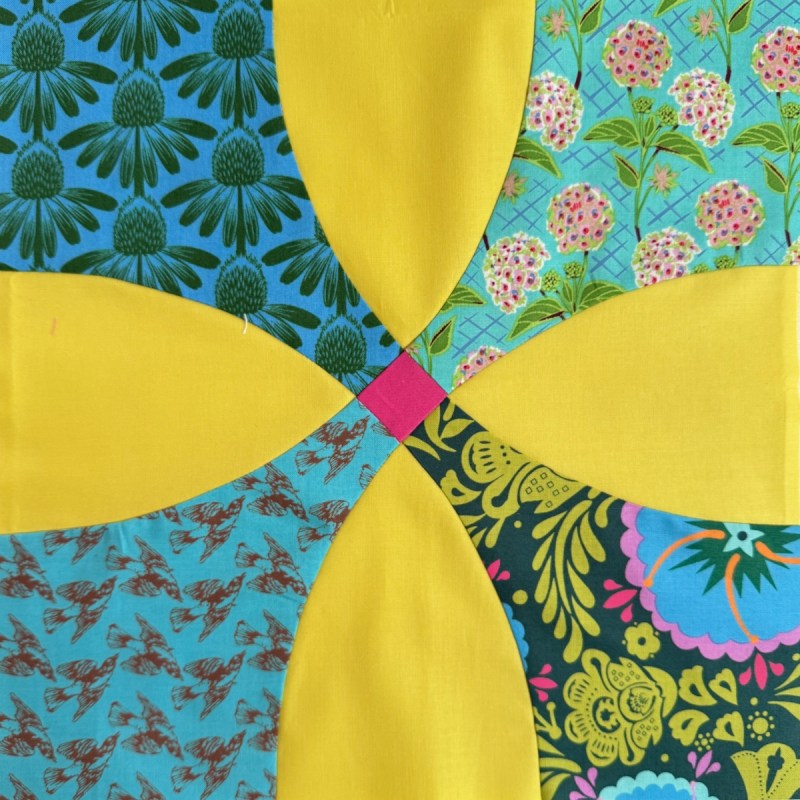
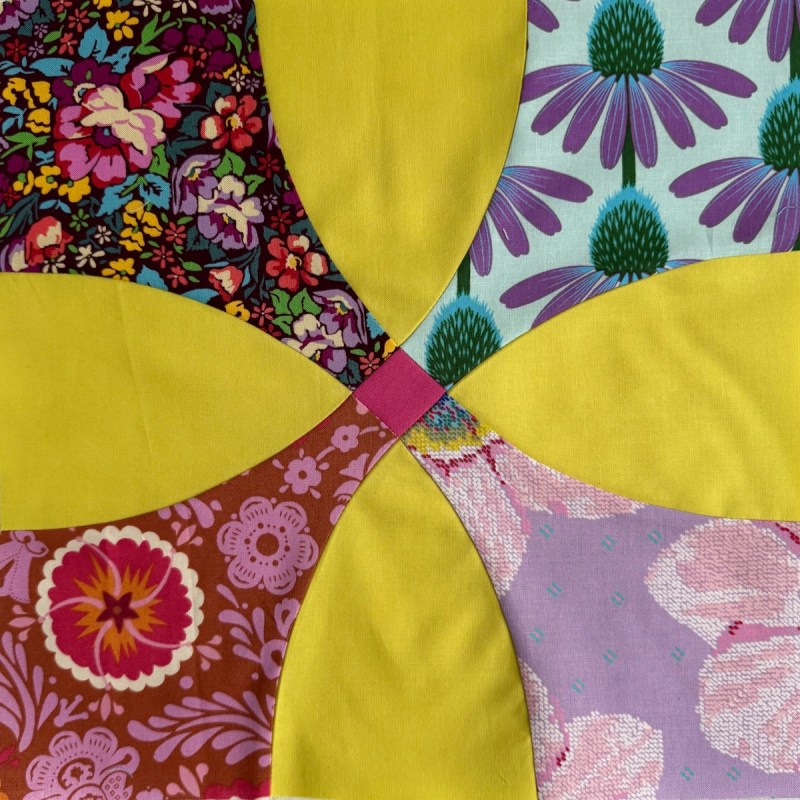
Hmmm. Missing one.
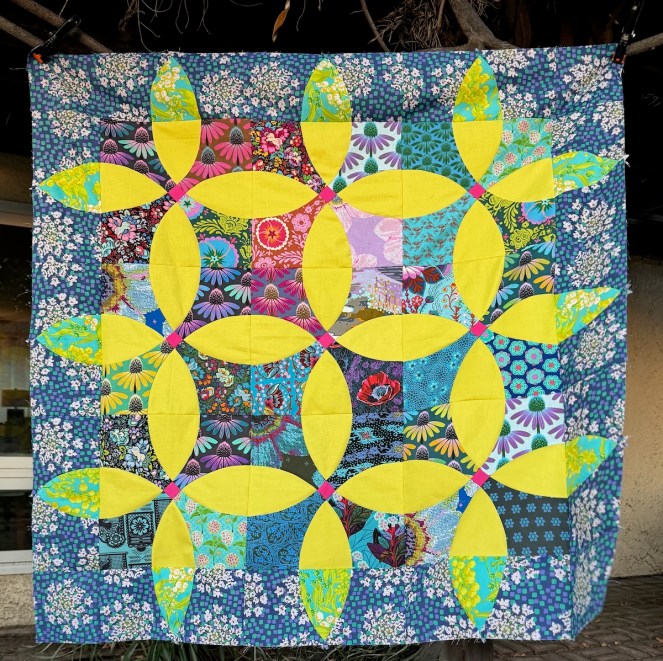
I finished it just as the sun went down and rushed out to my back patio to try and catch the last few rays of sun.
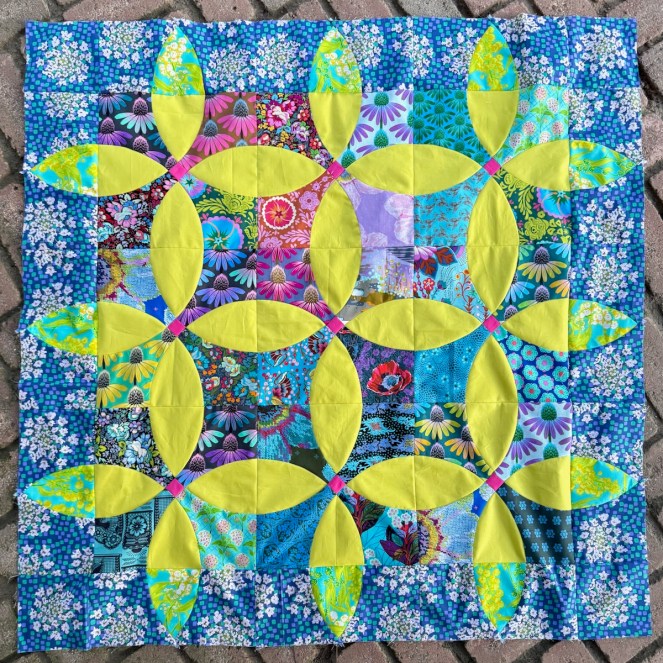
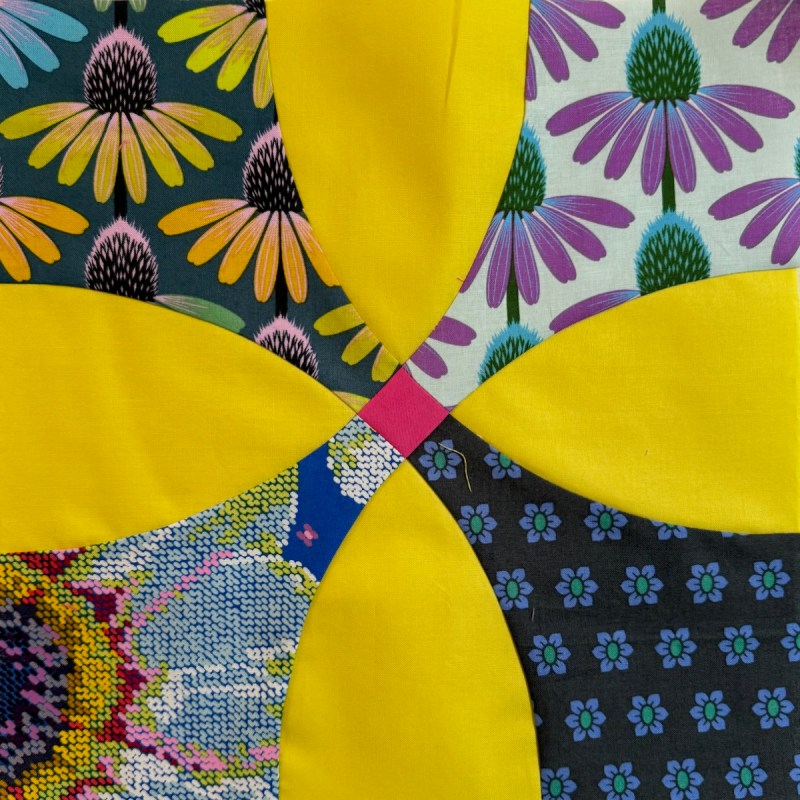
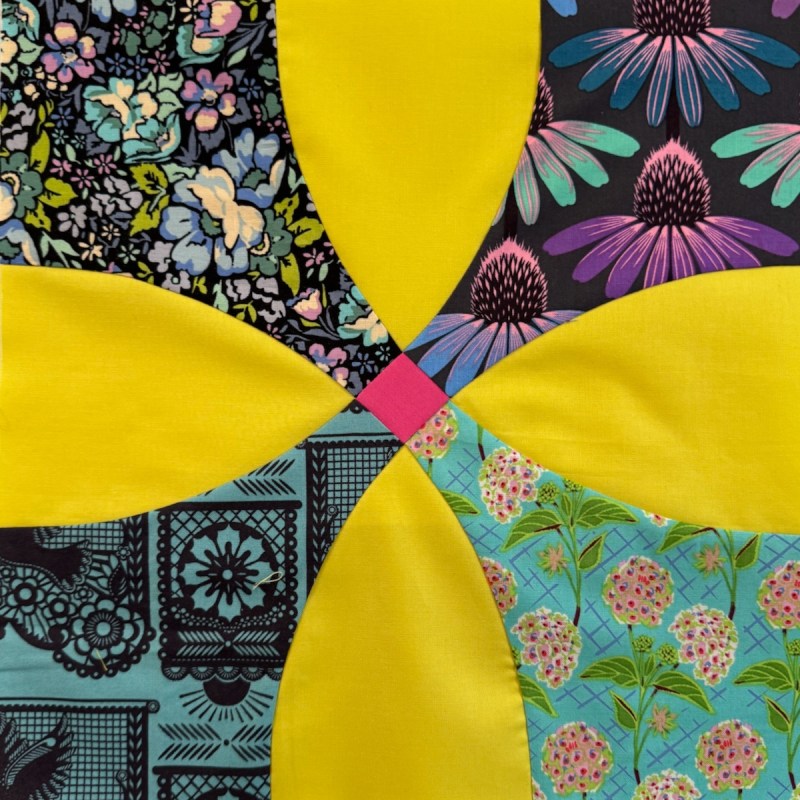
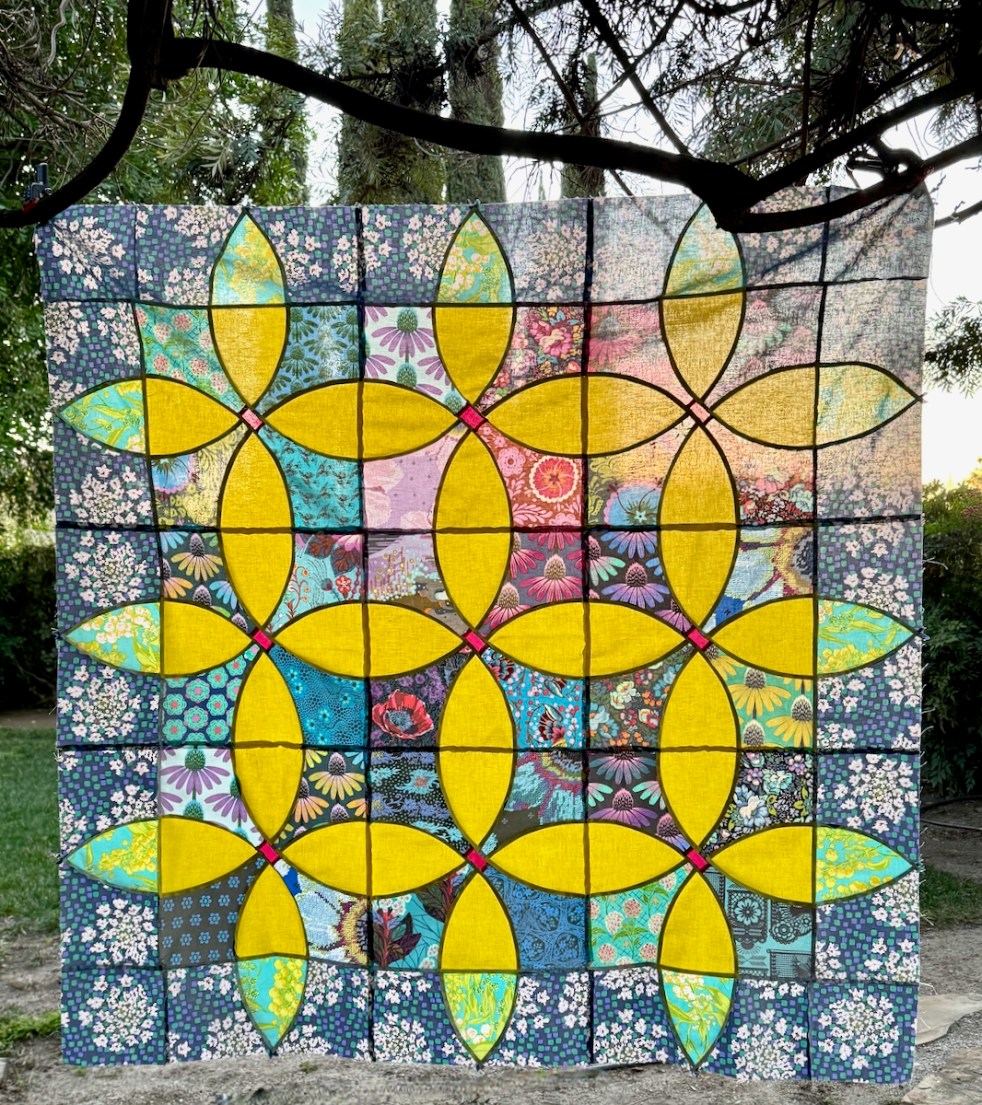
On the patio. It’s from my pattern Blossom:
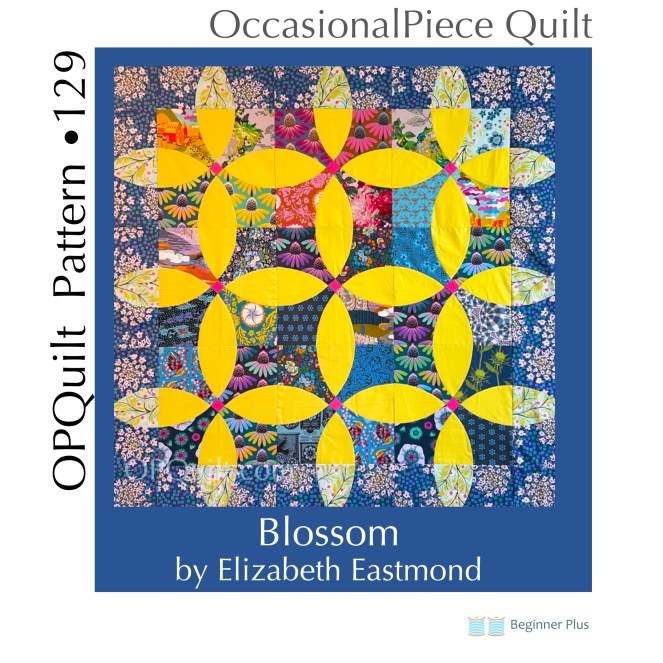
(The original quilt, above.) I also want to make a spring version in a smaller size. The pattern has three sizes of this block, with two different borders. It can be found in my pattern shop, and for this February, it is on sale…and without a coupon! It expires at the end of February. Okay, we are almost finished with this post.
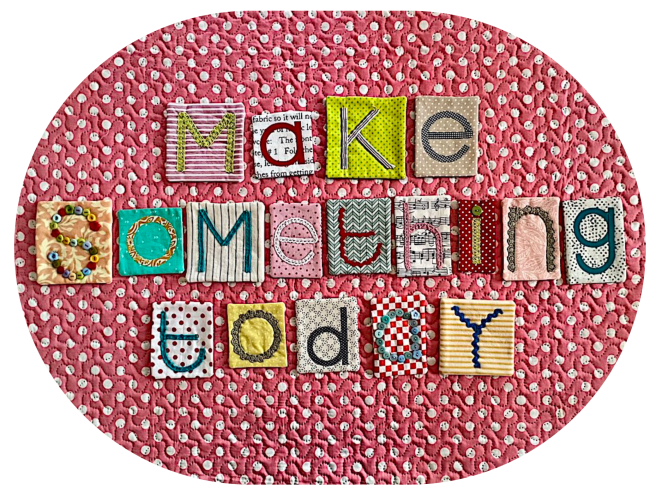
Another wonderful quilter, discovered through another online collaboration, Janine of Rainbow Hare made this wonderful combination of wee blocks. She is also in SAHRR. We have a lot of quilty friends out there!
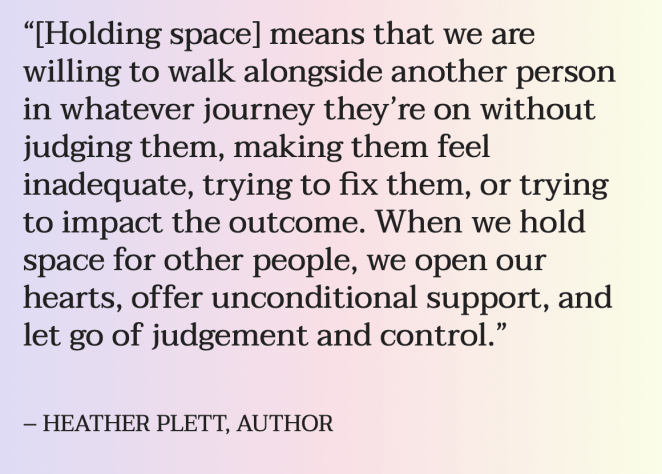
Sometimes I forget to hold space for my quilting, for creativity. I tend to pack things in, rushing from one thing to another. While the thought above relates to how we treat those close to us, I think sometimes giving my creativity a chance without harsh judgement can be a challenge. Sometimes I need to relinquish control and let serendipity find me, as the Queen Anne fabric found me at Road to California, on a day I was just feeling less than subpar, overwhelmed by all the beautiful quilts as well as by the current events in our country. And then, just like that — the spark came, the space opened, and a quilt was made.
Find your people. Find your creative space. Find those quilts that touch your heart —
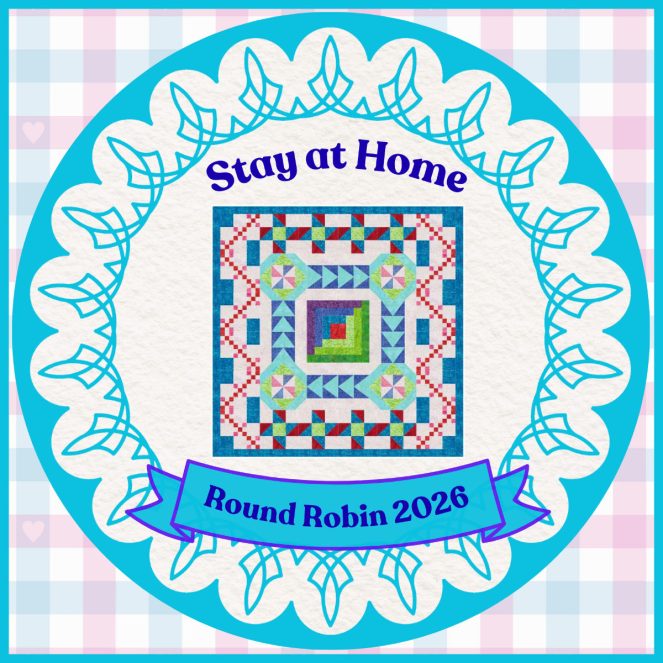
The schedule:
*January 14: Center Blocks, led by Gail and shared by each co-leader
*January 21: 1st Round:   Brenda @ Songbird Designs
*January 28: 2nd Round: Kathleen @ Kathleen McMusing
*February 4: 3rd Round: Emily @ The Darling Dogwood
February 11: 4th Round:   Wendy @ Pieceful Thoughts of My Quilting Life
February 18: 5th Round:  Gail @ Quilting Gail
February 25: 6th Round:  Anja @ Anja Quilts
[An asterisk* means I finished that section.]
BlockBase+ · Free Quilt Pattern · Patterns by Elizabeth of OPQuilt

Too Hot to Think • Blockchain Quiltblock Freebie

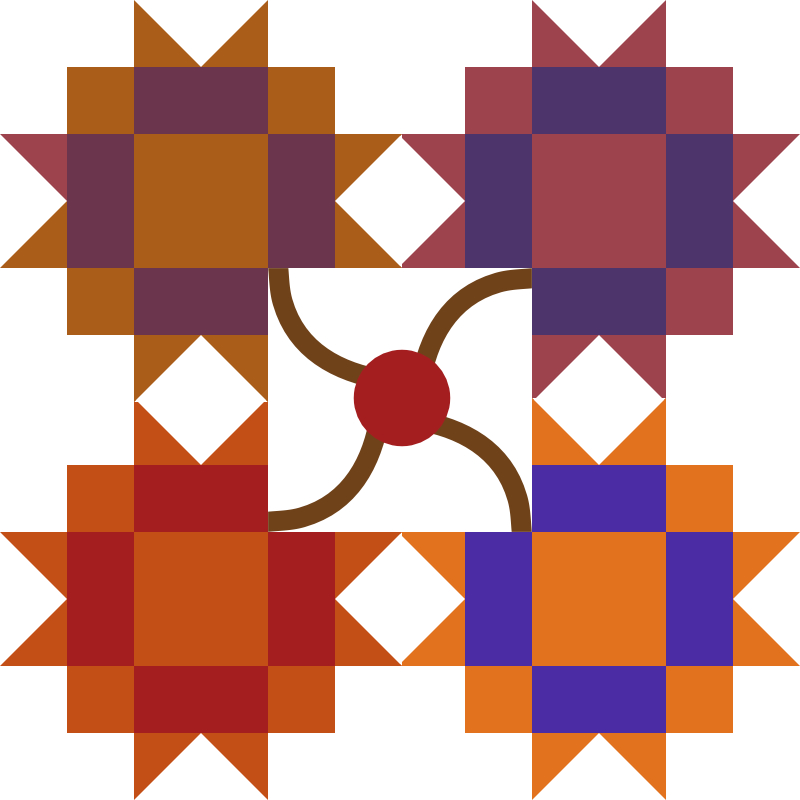
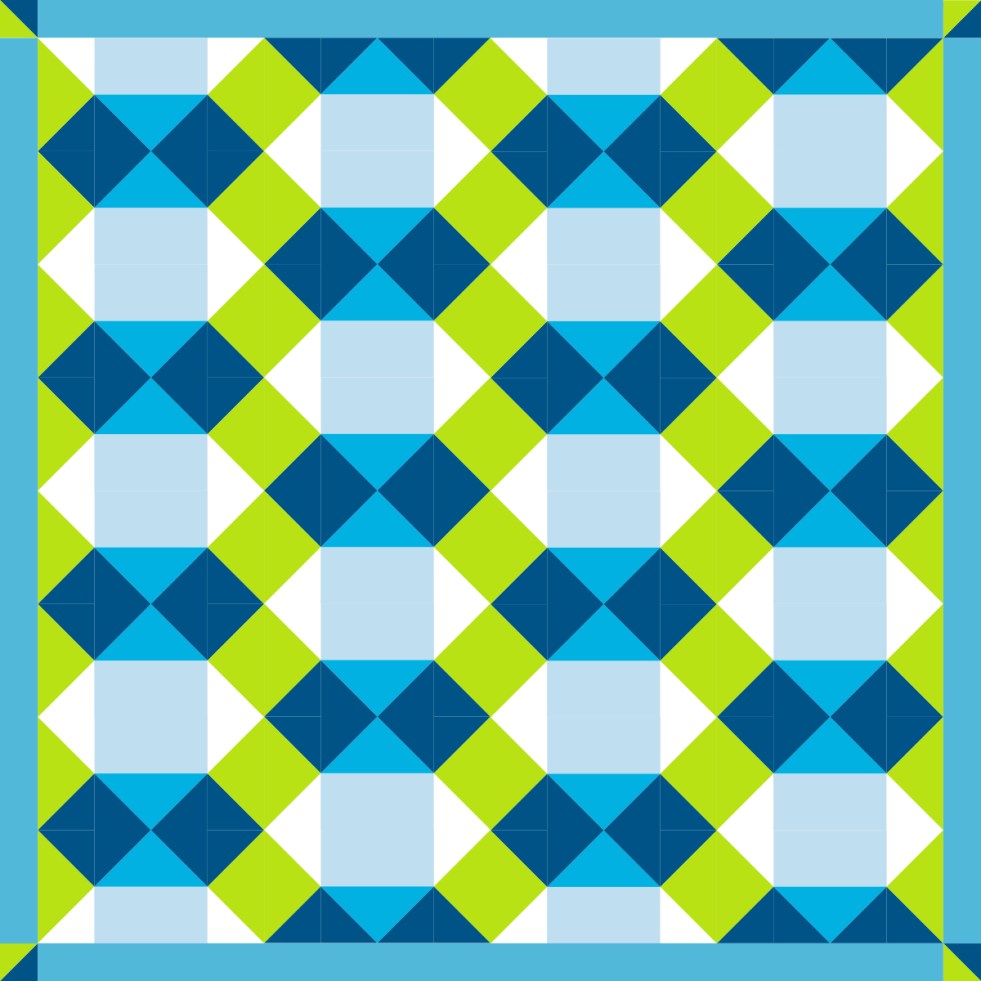
It’s too hot to think, but here’s a fun sketch from a traditional block, originally called Boise (Brackman 2306). The periodical, Hearth and Home, which published this block, was in operation from 1885 to the 1930s.

The block, exploded.

The 7″ block, set on alternating verticals. All of these can be found in BlockBase+ which is software that is basically the Brackman Encyclopedia of Pieced Quilt Patterns. I modified this in my design software, Affinity Designer by Serif, a reasonable cost design software (NO, you don’t have to buy Illustrator. YES you should buy BlockBase+.)

And I think we should give the quilt a name. I know it’s the capitol of the state of Idaho, but I’d like to give it a more contemporary name: Blockchain. What does that mean? Since I just donated to Wikipedia (you should too), here’s their definition:

blockchain is a type of Digital Ledger Technology (DLT) that consists of growing list of records, called blocks, that are securely linked together using cryptography.

So couldn’t we define a quilt as “a growing list of blocks that are securely linked together with thread”? I think so. I was amused to see that a lot of the images used to depict the idea of blockchain are some of our traditional quilt blocks, like baby’s tumbling block, among others.

If you’d like the 8-inch version, I’ve got that for you here, as a free download. I didn’t monkey around with it too much, so it’s rather a no-frills set of templates (remember, it’s too hot), but you can see how nicely the templates are generated for you by Blockbase+. [Okay, I did do a bit of monkeying…]

Download the free PDF file for an 8″ block here:

Here’s the 12-inch version, which finishes at 52″ square, with those 2″ borders and cornerstones. To get this layout, I did four columns of the Blockchain block, doing half-blocks at the top and bottom of columns 2 and 4. I’m sorry I didn’t include the 12″ size block, but it’s hot, and we are about to head to our traditional Labor Day Cookout: a trip to In and Out Burger, where they do the grilling for me.

from here

Happy Labor Day Weekend!

BlockBase+ · Quilt Patterns

A Week of Creativity using BlockBase+ • Giveaway!

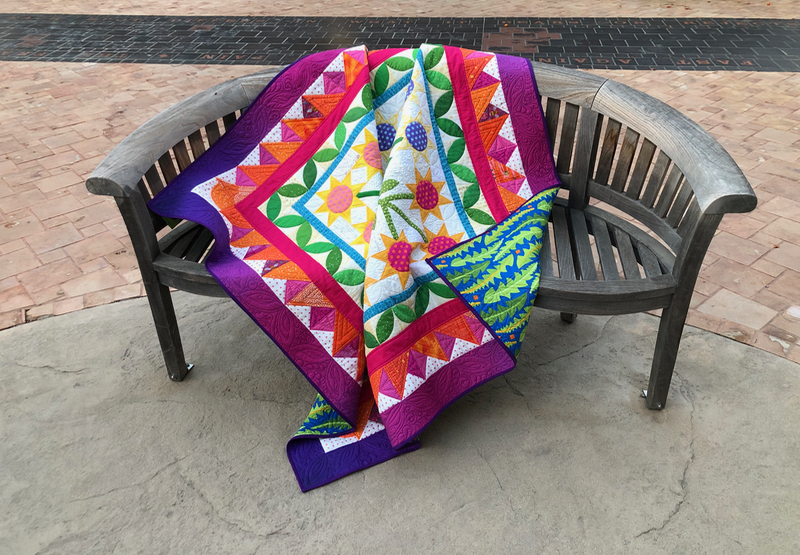
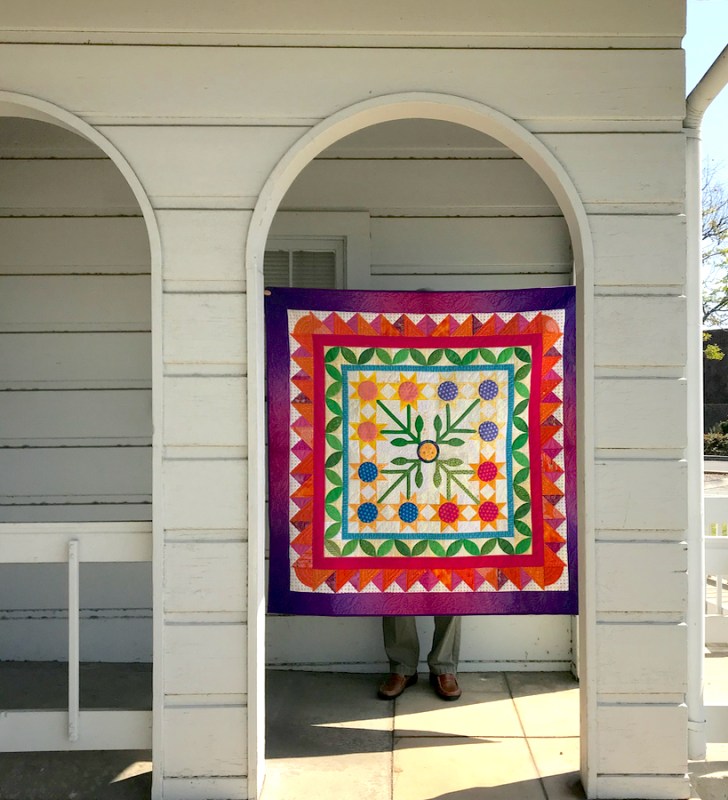
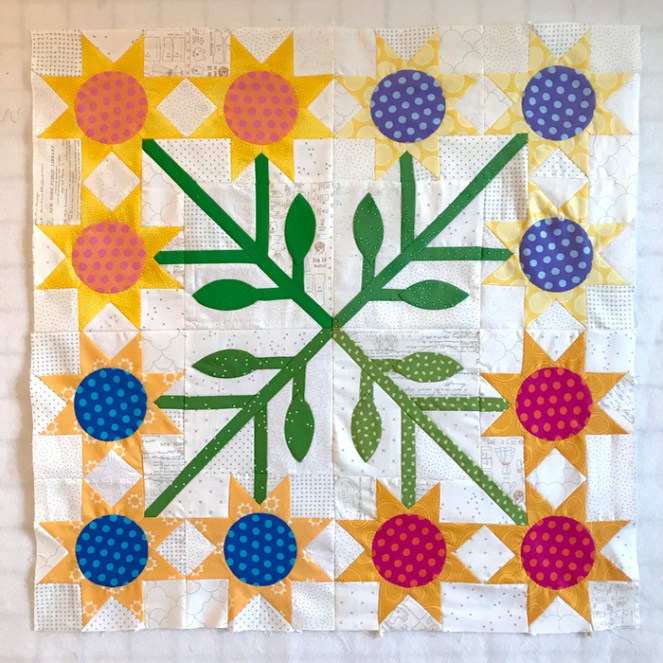
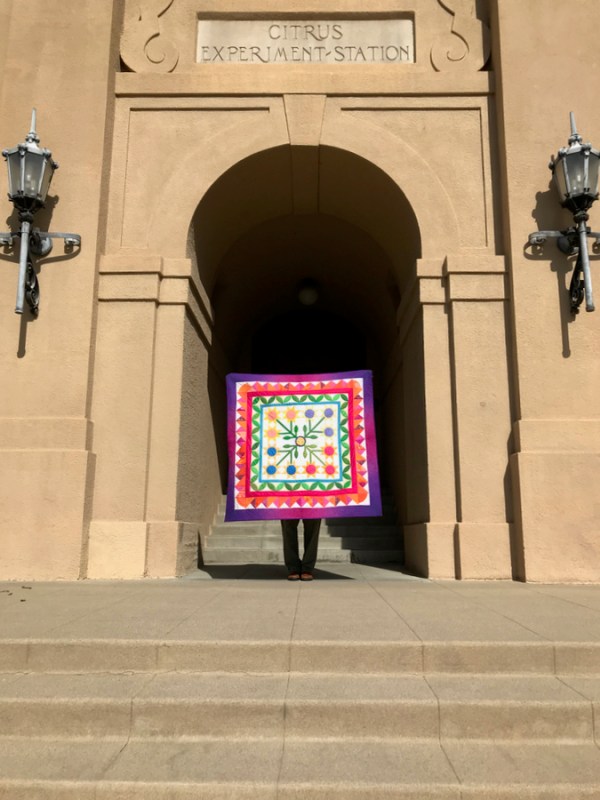
Sunny Flowers • quilt no. 246 • 54″ square

This is BlockBase+ week, and in one week, I’ll be giving away a free copy of the software!

UPDATE: Giveaway is Closed. Thanks to all who entered!

What is BlockBase+ ? It is new software from The Electric Quilt Company that will become your new best friend for creating quilts. It works on Macs and PCs and is a good companion to The Encyclopedia of Pieced Quilt Patterns, if you have that book.

I’m writing four posts, total: the first two posts will be about how I used BlockBase+ to create my Sunny Flowers Medallion Quilt. Today’s is about the selection process and introduction to the features of BlockBase+. On the next post, I’ll give you my formula for making your first Medallion quilt, using blocks in BlockBase+ and showing how I finished out my Sunny Flowers quilt. And then about one week from now, in the last post about this software, I’ll have an entirely new idea for you, showing ways to adapt the blocks you find, making them your own through the software’s ability to make any block any size, in a snap. (I’m telling you, I really like this software!)

Center Block of a Medallion Quilt, and How to use BlockBase +

Many of you have seen this quilt in process on my social media and here, on my website. On this post I go through my process of how I used BlockBase+ from start to finish. If you have more questions on how it works, there is also a database on the EQ website, too.

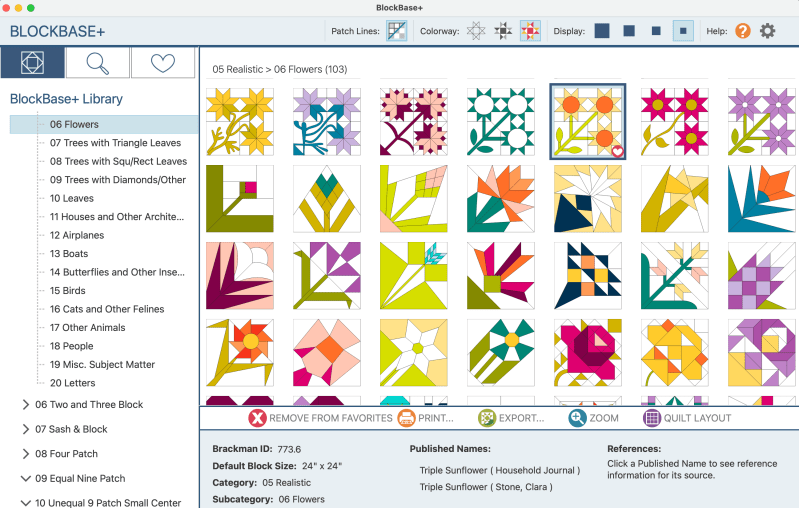
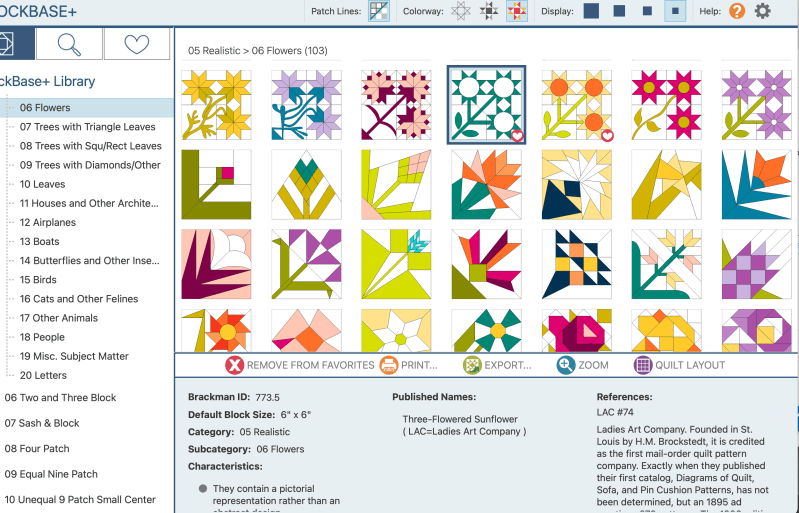
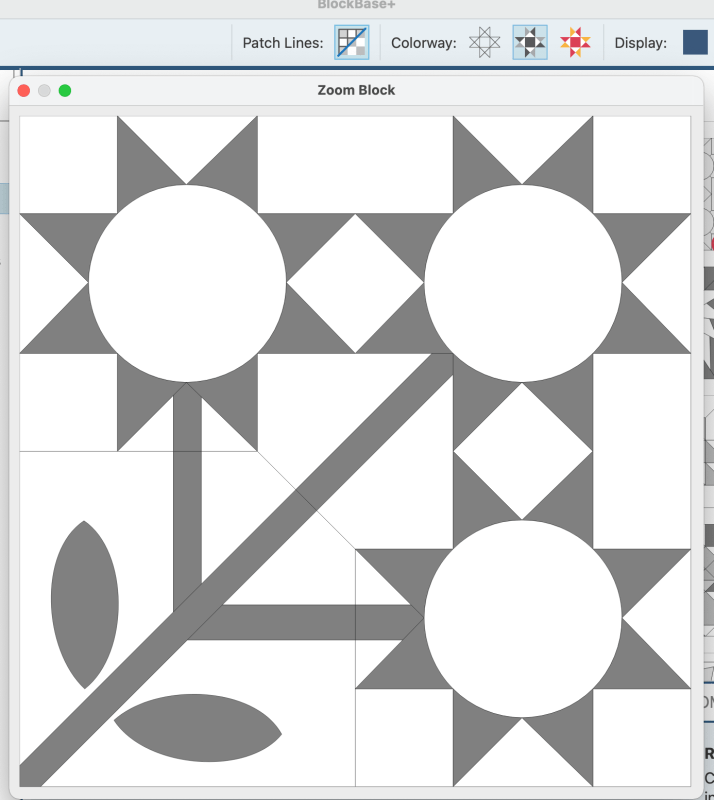
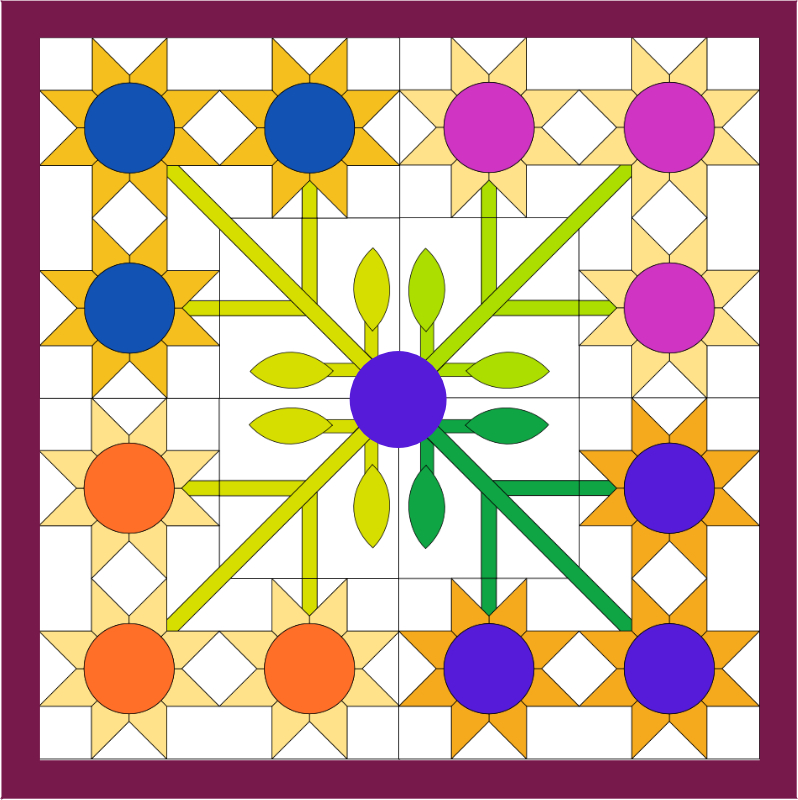
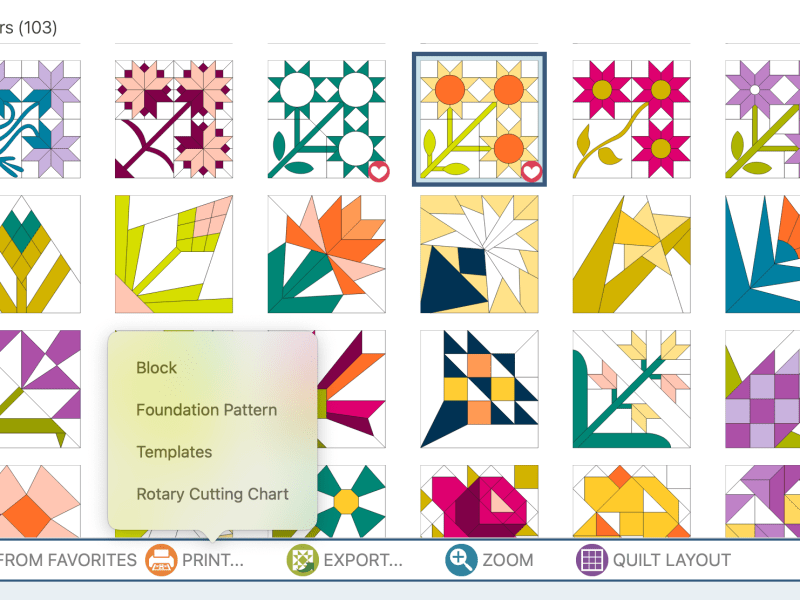
I started my Sunny Flowers Quilt as a sample to show you how you could use BB+ (my shortcut name for the program). I started by having a great time going through different blocks. I knew I wanted something that was sort of vintage, but that would make a great centerpiece. I picked the Sunflowers Block; it looks like this on my BlockBase+ screen:

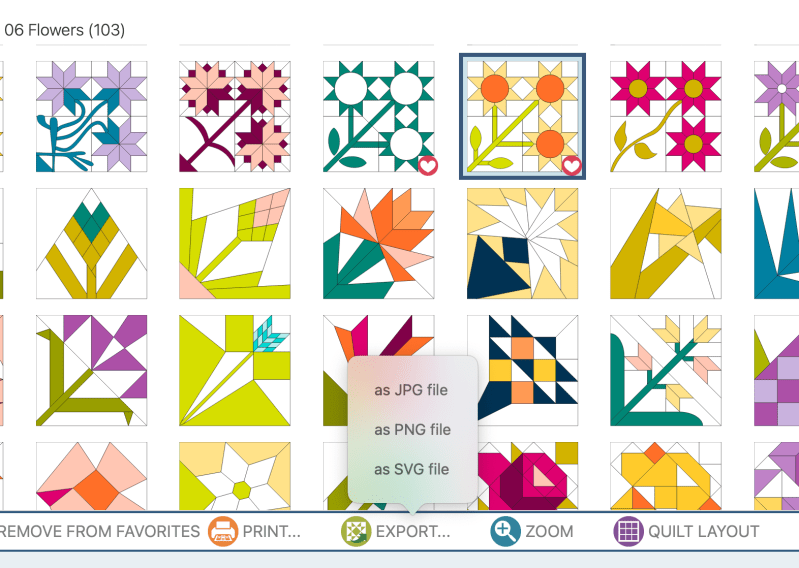
I have it selected, so there is a dark square around it. See the little heart in the lower right corner of that block? You can also tag your favorites, so if you find something you really love, you won’t have to search for it again. The Brackman ID number is 773.6 (all blocks have a Brackman ID number).

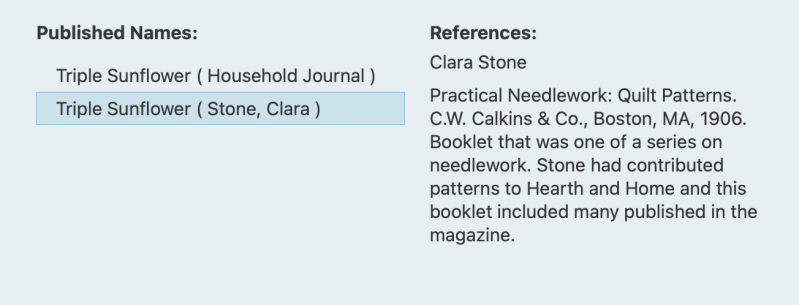
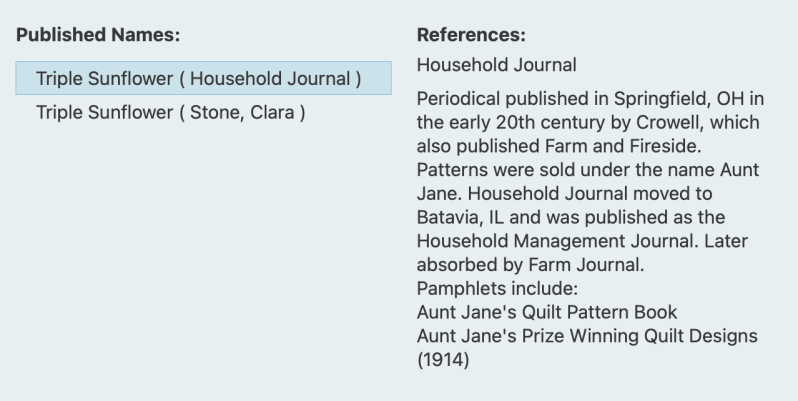
By clicking on the Published Names, you can see the source and information about the block. (Hooray for quilt history!!) This block hails from the beginning of the 20th century, and is not one I’ve seen before.

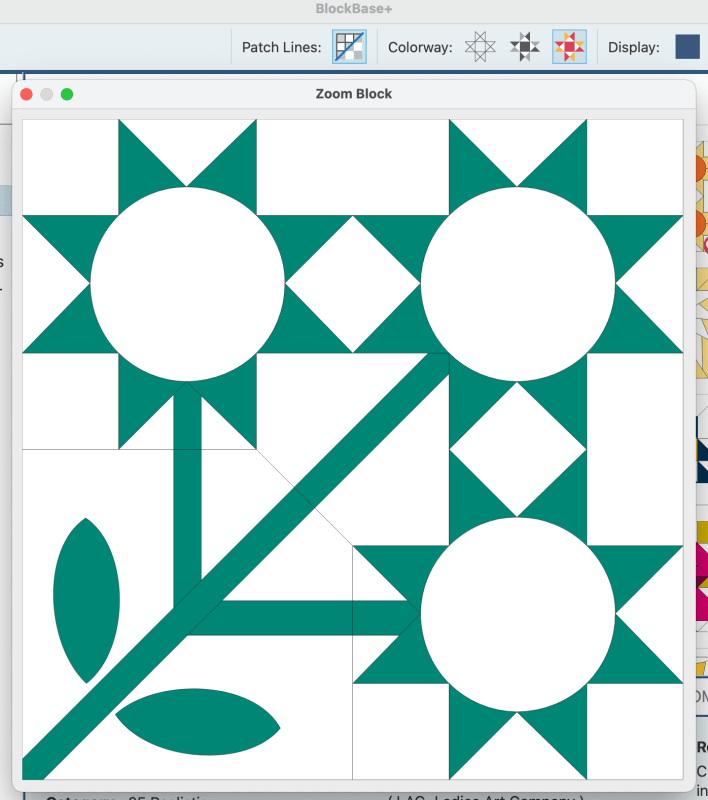
Right now, I’d like to take a look at the one next to it, titled Three-Flowered Sunflower.

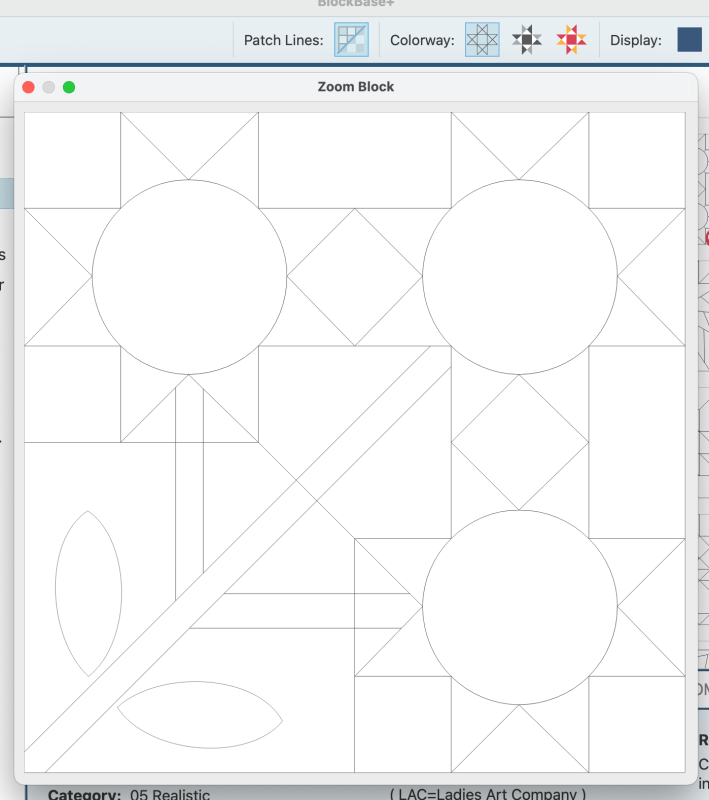
By clicking on the different icons in the Colorway area, I can have the block fully colored, shown in shades, or just in lines. As a newbie working this program during its Beta period, I wish I’d known better how to use these to enable me to see the structure of a block. Although neither of these blocks are the easiest, this second one has easier construction, which is shown by looking at the Line Drawing.

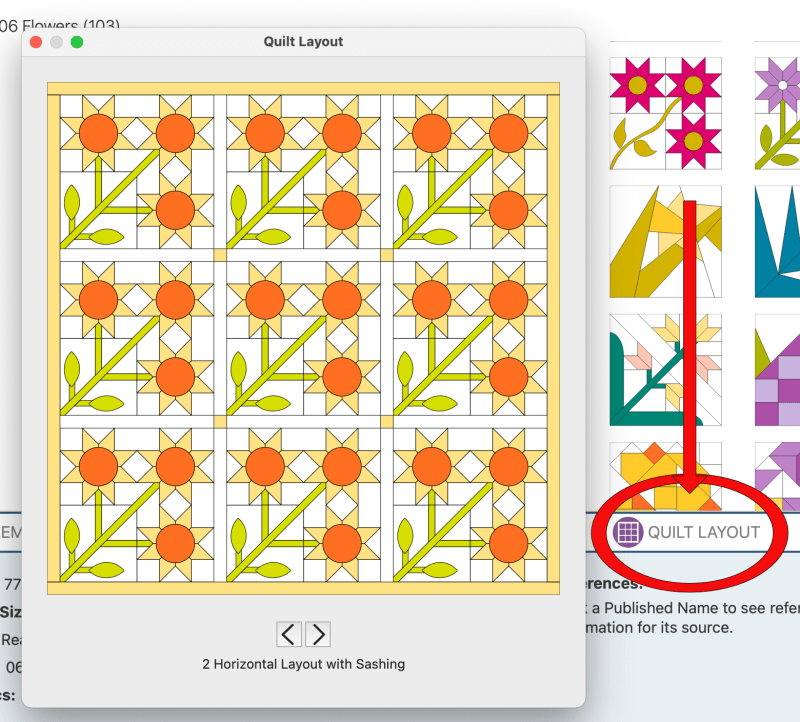
I tried out their quilt layout, just to see the block in different variations (there are seven different ideas to look at), but then decided to export it as an SVG (or Scalable Vector Graphic) into my Affinity Design Software, to see how it would look.

There are three ways to export it (JPG or SVG or PNG). Here’s the first rendition:

I had thought I would just make it a simple series of sunflowers, and put an uncomplicated small border around it and call it done. I know those of you who know me are laughing hilariously right now as I’m not very good at simple and uncomplicated, but I keep trying.

Here it is, all sewn. In my sample, I stitched one flower using EPP, and the other three flowers, I used Templates, sewn on the sewing machine. Just keep your wits about you, or choose another block–there are many more that can serve as centers.

Here’s a potential center for a Fall/Autumn Medallion (I added the center circle). The Brackman ID Number is 1740, but you can also search by name: Maple Leaf. If you are an Electric Quilt 8 user, all these blocks are available to use in that program, so you can build your quilts that way, too.

Printing Out your Pattern

Whichever block you chose, and however you choose to make it (Block, Foundation Pattern, Templates or Rotary Cutting Chart), re-size it to 14″ so the center will finish at 28″ square. We’ll use that measurement to build out our medallion quilt. (More on how to use BlockBase+ to do that will be in the next post. Being able to re-size my blocks made the whole process soooo much easier.)

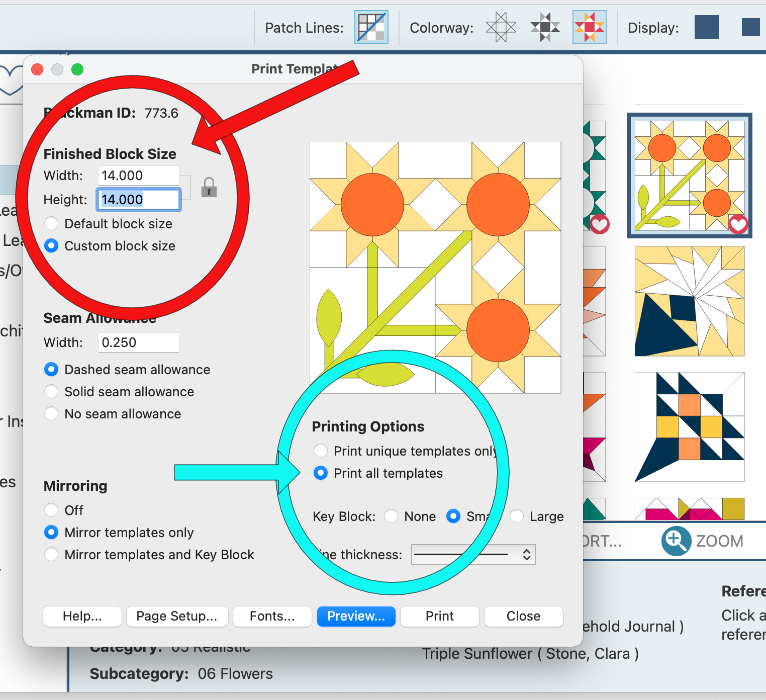
After clicking on your block, go to Print Template. This window pops up. In the red circle, click on the radio button to select Custom Block Size and type in 14″ in both boxes.

In the aqua circle you have Printing Options. I usually use “Print unique templates only” if I’m going to be pinning and cutting out, but for just for fun, I chose “all templates” this time.

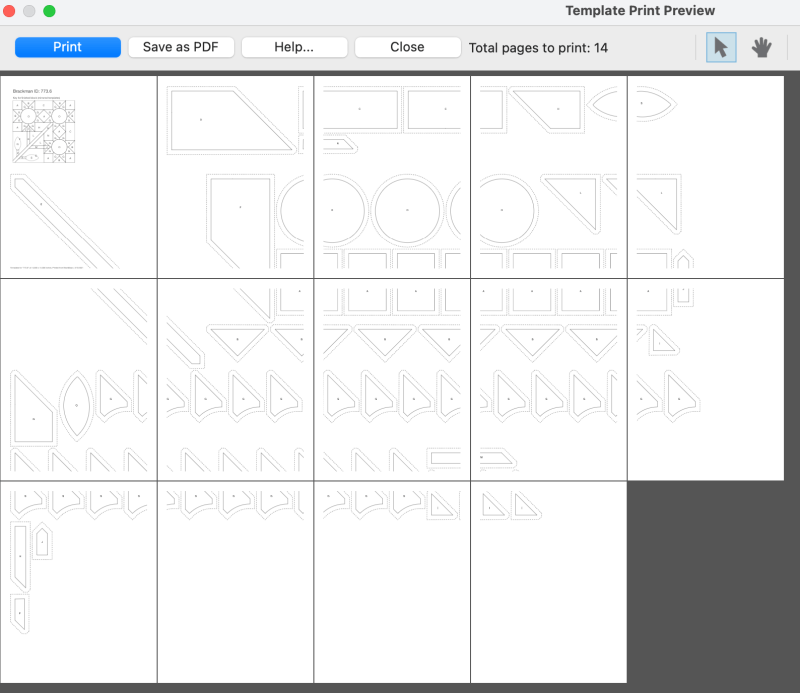
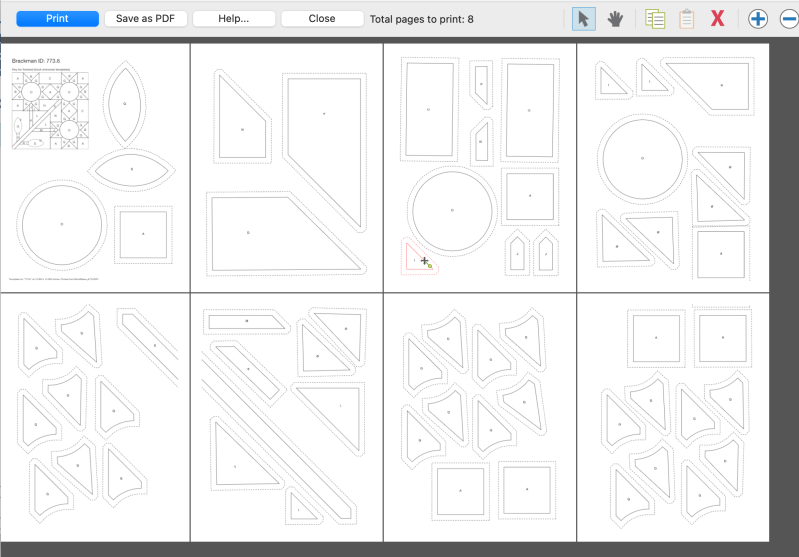
This screen pops up. Whoa! Look at all those pieces broken across two pages.

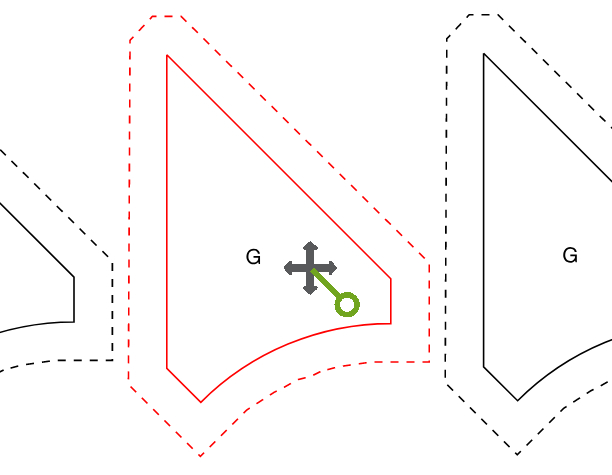
NEVER FEAR! We can fix this by clicking on a template and dragging it around where we want it.

You can also click on the piece to reveal a little green “handle” of sorts that can be rotated in case you want to re-align pieces to nest together more closely together (the above image was blown up by using the plus sign in the upper right of the screen).

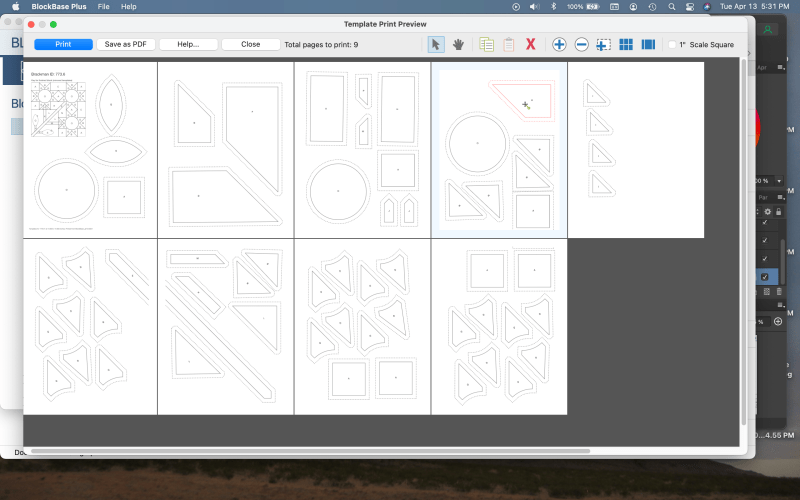
I reduced my original 14 pages of printing to nine. As you move things around, the border on that particular page changes to light blue, so you can keep your pieces within the printing area of your page. That long green stem still breaks across two pages, but in the original it was breaking across three, so I consider this an improvement.

I kept tweaking and got it down to 8 pages. (Pin a ribbon on me!)

So, have any questions? Are you curious about things? Keep reading in this series to get the knack of this, and leave me questions if you have them.

  • Next post on Wednesday: Building a Medallion, using BlockBase+
  • Final BB+ post on Saturday: Winner of the software announced, and more fun things to try with BlockBase+

Are you someone who has only drawn out your patterns with pencil and graph paper? Have you worn an eraser down to nothing, changing lines and shapes? Have you always wanted to create your own designs?

To enter the giveaway, please leave me a comment below telling me how you might use BlockBase+ (and how it might help you bring to life those ideas you’ve thought up all during covid).

Yes, this giveaway will run on Instagram, too, so you can enter there for more chances to win. A n d . . . there is another post where you can enter — we’ll see you on Wednesday!

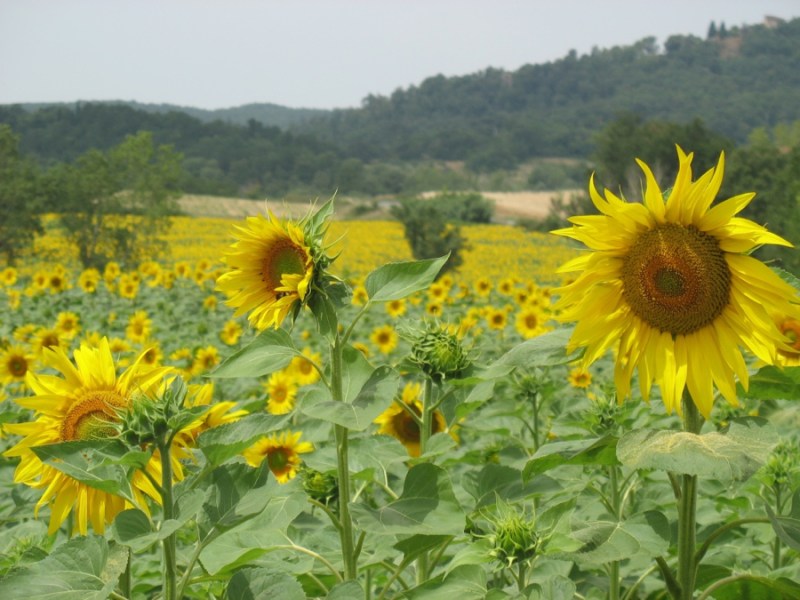
Italy’s sunflowers

Contest Closed now. Thanks for entering the Giveaway!!